My Local LLM Setup
Install Ollama
Execute following in terminal
1curl -fsSL https://ollama.com/install.sh | sh
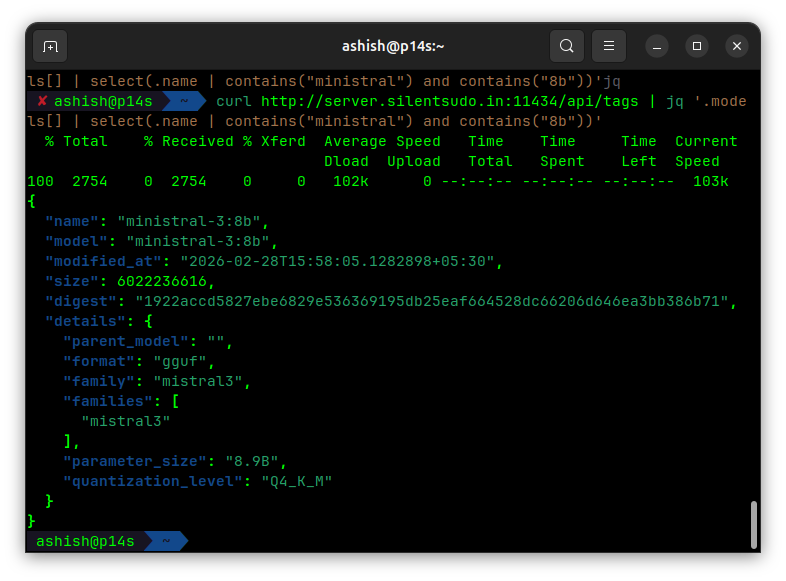
Once ollama is installed pull a model using
1ollama run ministral-3:8b
Install OpenWebUi
1docker run -d -p 3000:8080 --network host \n
2 -v open-webui:/app/backend/data \n
3 --name open-webui ghcr.io/open-webui/open-webui:main
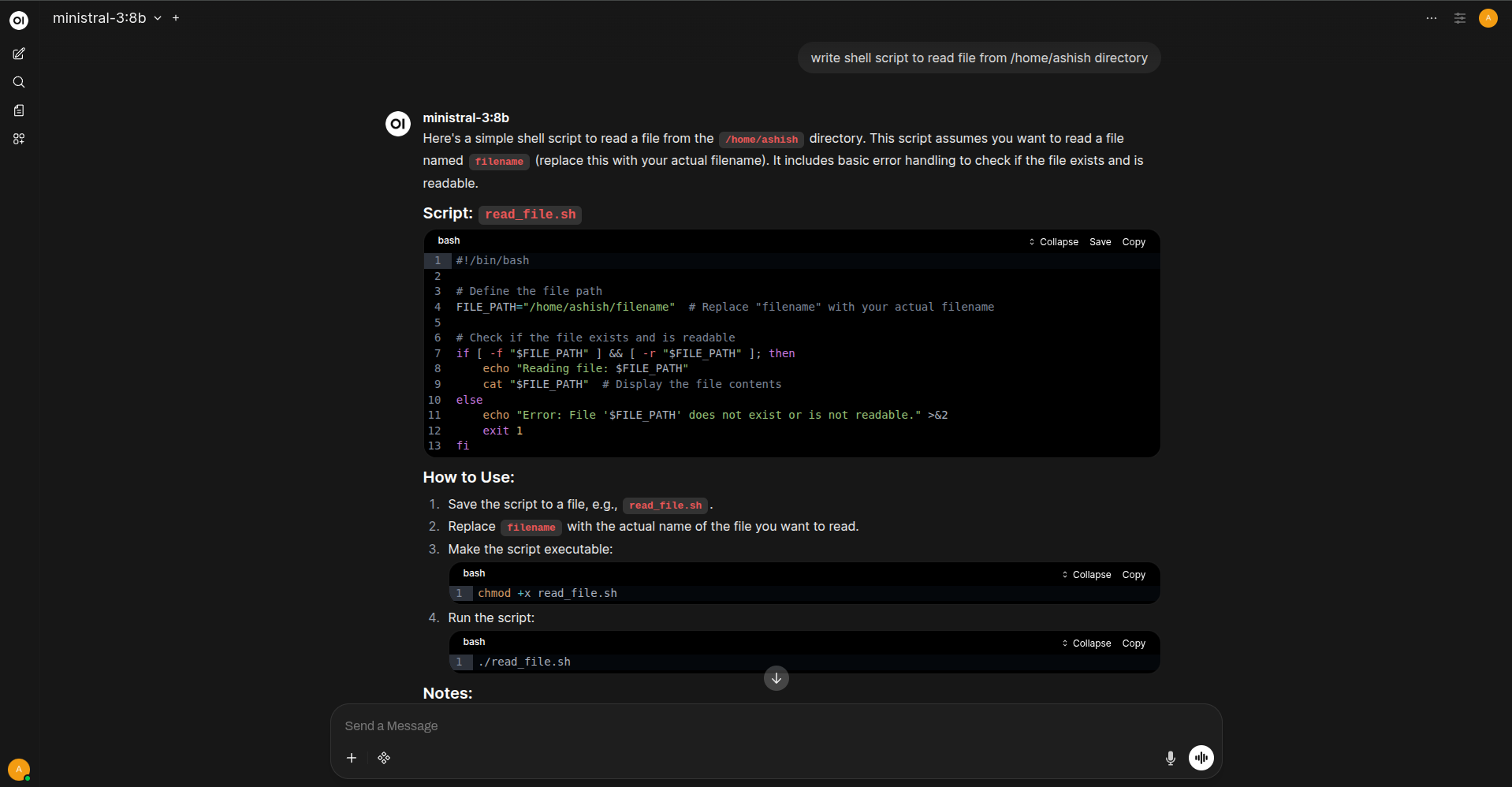
http://localhost:8080 enter default credentials and you have completed setup.
Install claude-code
1curl -fsSL https://claude.ai/install.sh | bash
Once claude code is installed setup below file and import in .zshrc
1touch /home/ashish/.claude/claude-config.env
Paste the following content
1export ANTHROPIC_BASE_URL="http://gpu.silentsudo.in:11434"
2export ANTHROPIC_AUTH_TOKEN="ollama"
3export ANTHROPIC_API_KEY="ollama" # Required field, but Ollama ignores the actual value
4export ANTHROPIC_MODEL="ministral-3:8b" # Name of the ollama model you can use to see list `ollama list`
5export CLAUDE_CODE_DISABLE_NONESSENTIAL_TRAFFIC=1 # disable analytics
then execute source .zshrc
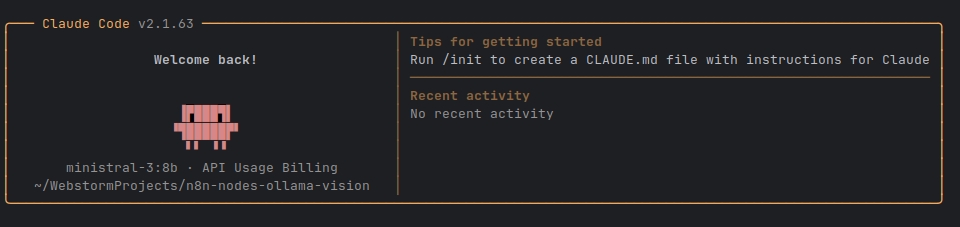
Verify Installation and Connection with Ollama
comments powered by Disqus